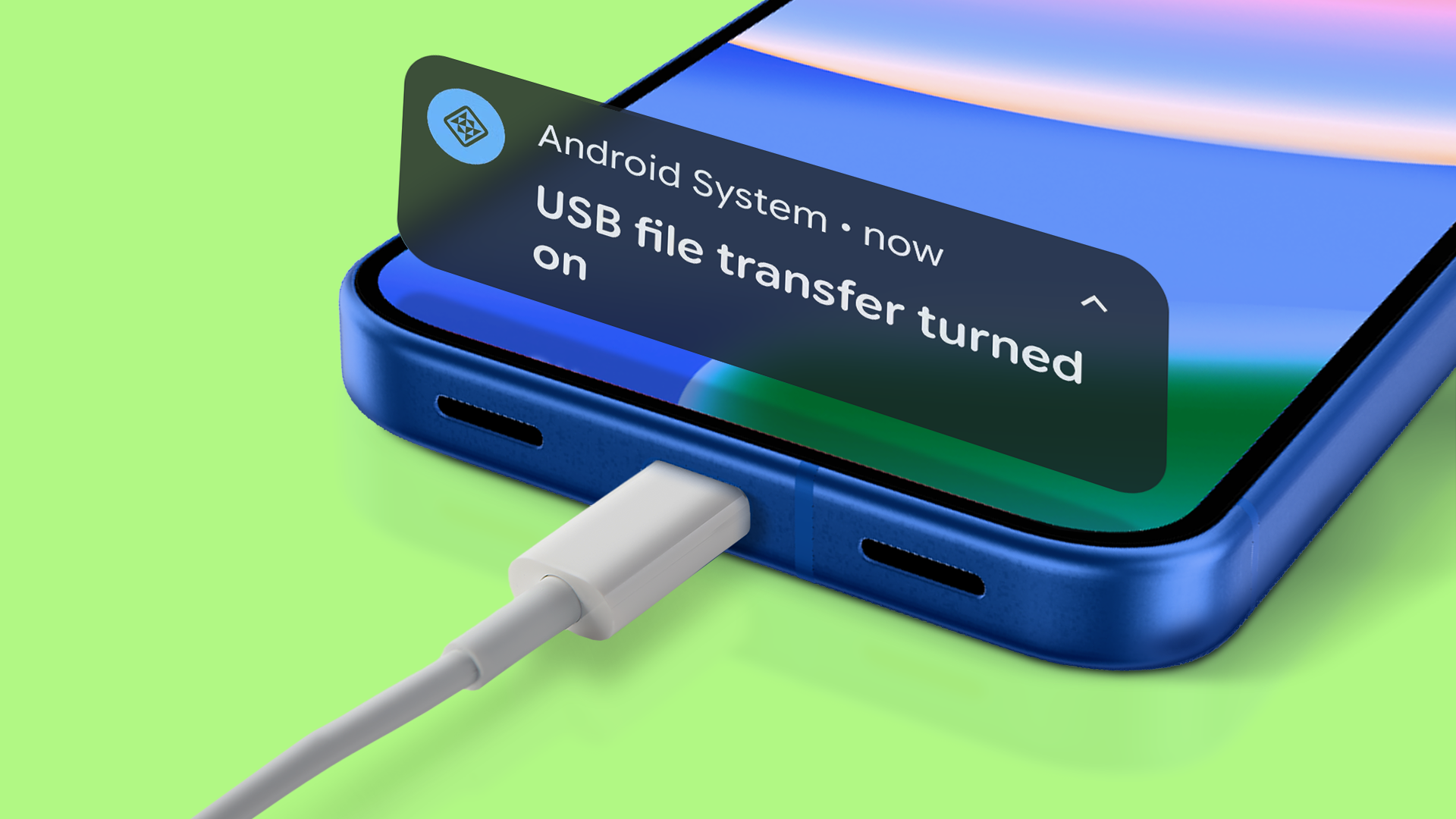
The USB 'tri-mode' trick for data transfer and charging is a Pixel lifesaver
Google Pixel devices can be configured to default to file transfer mode instead of charging-only mode through a Developer Options setting, eliminating repetitive manual switching for users who regularly transfer files between phones and computers. While this improves user productivity and reduces friction in mobile device workflows, IT organizations must weigh convenience against security risks when devices are used in untrusted environments, requiring clear policies around when employees should enable this feature. For enterprises managing Pixel fleets, this represents an opportunity to streamline endpoint data management but necessitates security awareness training to prevent unauthorized access when devices connect to public or unfamiliar USB ports.